
Build the tracker in your HUD.
Owning-client widgets must read replicated state first. Do not wait for the first event. Do not use bool returns.
The plugin zip does not include a HUD. The sample project includes an example tracker, log, and vendor board.
Get the component
On the local player, get PlayerState, then get Quest Component.
Do not use the bool return to update client UI. On Construct, fill the widget from GetQuestsByStatus. When the log opens, refresh. Fail and abandon then appear.
If you show fail or abandon, refresh when the widget becomes visible. Replication can change Active to Available in one update.
Quest tracker
Layout:
- Text for the active quest title. Resolve the definition with
GetQuestByIdon the subsystem. - A vertical box. One row per objective in the current phase.
- On Construct, get the Quest Component from PlayerState.
- Call a Refresh function once. The first paint then uses the current state.
- Bind
OnQuestStarted,OnObjectiveProgress,OnPhaseCompleted, andOnQuestCompletedto Refresh. - In Refresh, call
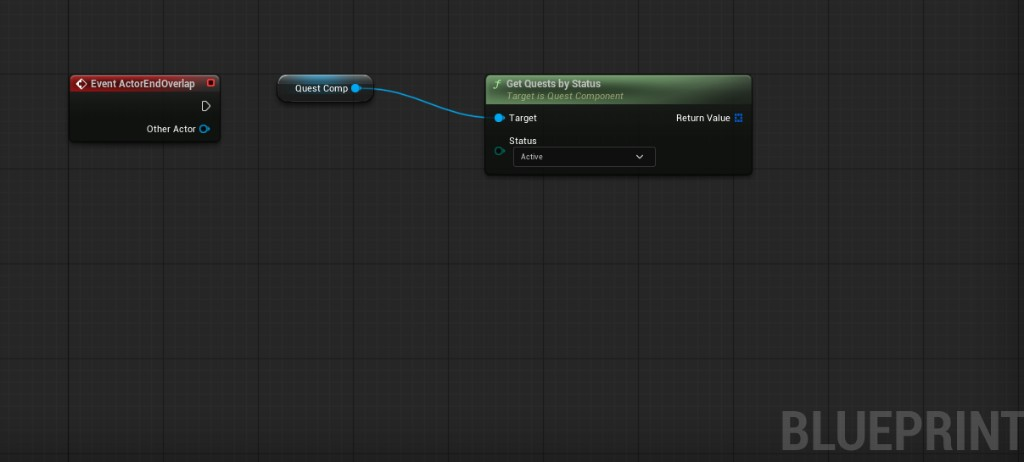
GetQuestsByStatus(Active). Take the first quest, or your pinned quest. - Use
FindQuestStateplus the definition phases to list objectives forCurrentPhaseIndex. - Skip a row when
ShouldDisplayObjectiveis false. - Show
CurrentCount / RequiredCountfromObjectiveProgressand the definition. - Load each objective Icon when you draw the row.
If you want Optional objectives to look different, use the Optional flag on the definition.
Bind OnObjectiveFailTimerStarted. Then poll GetObjectiveFailTimeRemaining.
Quest log
| Section | API |
|---|---|
| Available | GetQuestsByStatus(Available) |
| Active | GetQuestsByStatus(Active) |
| Completed | GetQuestsByStatus(Completed) or Times Completed > 0 |
Do not use Failed or Abandoned as log tabs. Those statuses are transitions. The quest becomes Available at once.
Resolve Title and Icon with UQuestSubsystem::GetQuestById.
Fill a List View or Scroll Box. Refresh on Available, Started, and Completed. Refresh again when you open the log.
Vendor / NPC board
| Need | API |
|---|---|
| Available quests this NPC offers | GetQuestsByStatusForGiver(Available, GiverId) |
| Active quests this NPC accepts | GetQuestsByStatusForTurnIn(Active, TurnInId) |
| Status list for this vendor | GetQuestsByStatusForVendor(Status, VendorId) |
If you need definition lists without player state, use subsystem GetQuestsByGiverId, GetQuestsByTurnInId, or GetQuestsByVendorId.
Icons and sounds
Load UQuestDefinition::Icon, each objective Icon, and each reward Icon in your HUD.
When a quest completes, fails, or an objective completes, load the matching USoundCue from the definition. Then play it in your game.